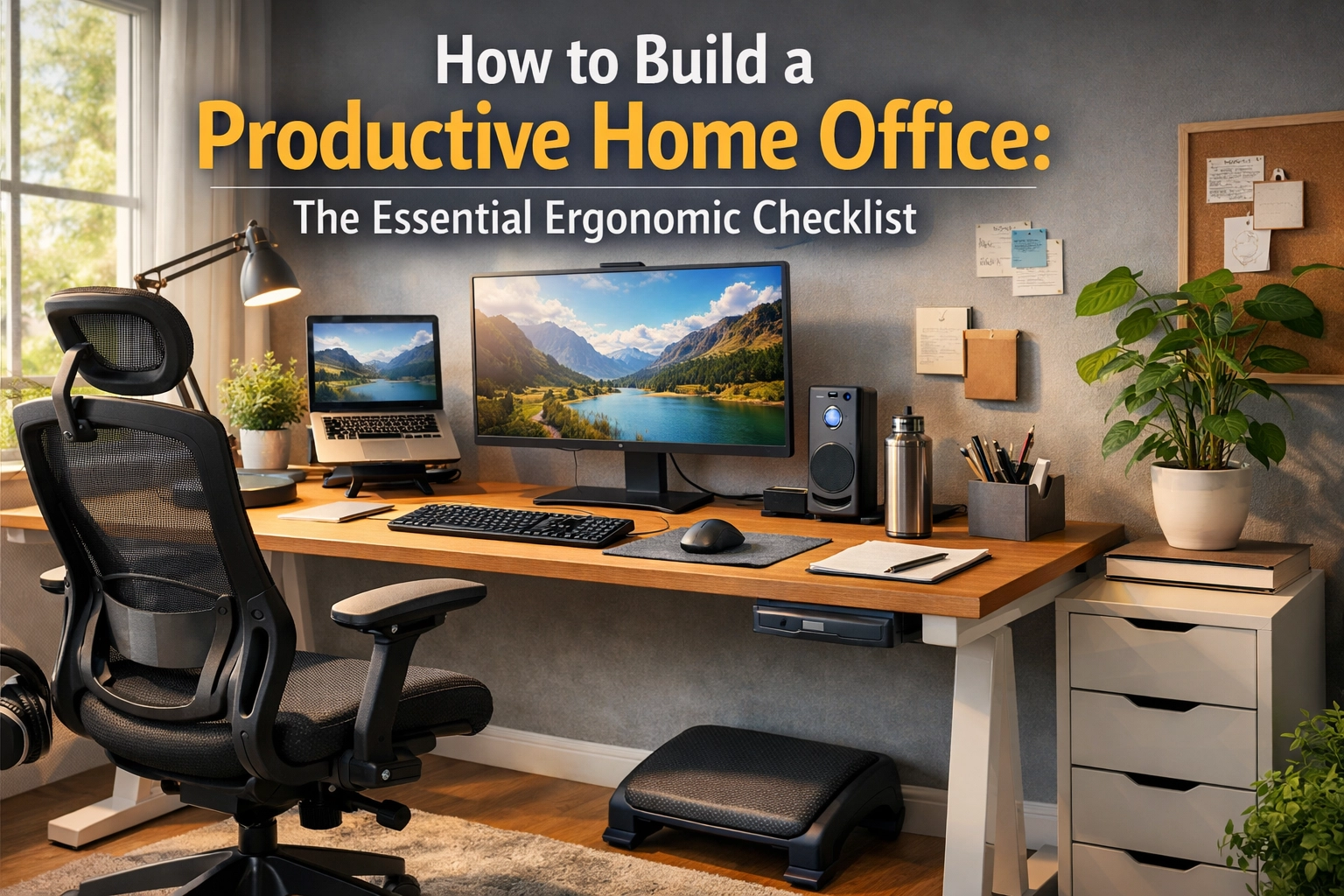
By 2026, the "home office" has evolved from a temporary kitchen-table setup into a permanent, high-performance command center. However, as remote and hybrid work models have solidified, so have the physical ailments associated with poor spatial design. Musculoskeletal disorders (MSDs), repetitive strain injuries (RSI), and digital eye strain are no longer just "office buzzwords": they are significant productivity killers.
Creating a productive home office isn't just about buying a trendy chair or a large monitor. It is an engineering challenge that requires balancing biomechanics with environmental psychology. This guide provides a deep, technical dive into the ergonomics of 2026, offering a data-driven checklist to transform your workspace into a longevity-focused productivity hub.
1. The Biomechanics of the "Neutral Posture"
Before buying gear, you must understand the "why." The goal of ergonomics is to maintain a Neutral Posture. This is the position where your joints are naturally aligned, reducing stress and strain on the muscles, tendons, and skeletal system.
When you deviate from a neutral posture: by hunching over a laptop or reaching too far for a mouse: your muscles undergo "static loading." This is when muscles remain tense to hold a position, restricting blood flow and leading to fatigue. Research shows that even a 15-degree forward head tilt doubles the effective weight of your head on your cervical spine. In 2026, with the integration of more "Agentic AI" tools that keep us at our desks longer, maintaining this neutrality is critical.
2. The Foundation: Selecting an Ergonomic Task Chair
A chair is the most important investment in your home office. Forget "gaming chairs" that prioritize aesthetics over spinal health. You need a task chair designed for 8+ hours of dynamic sitting.
Technical Specifications to Look For:
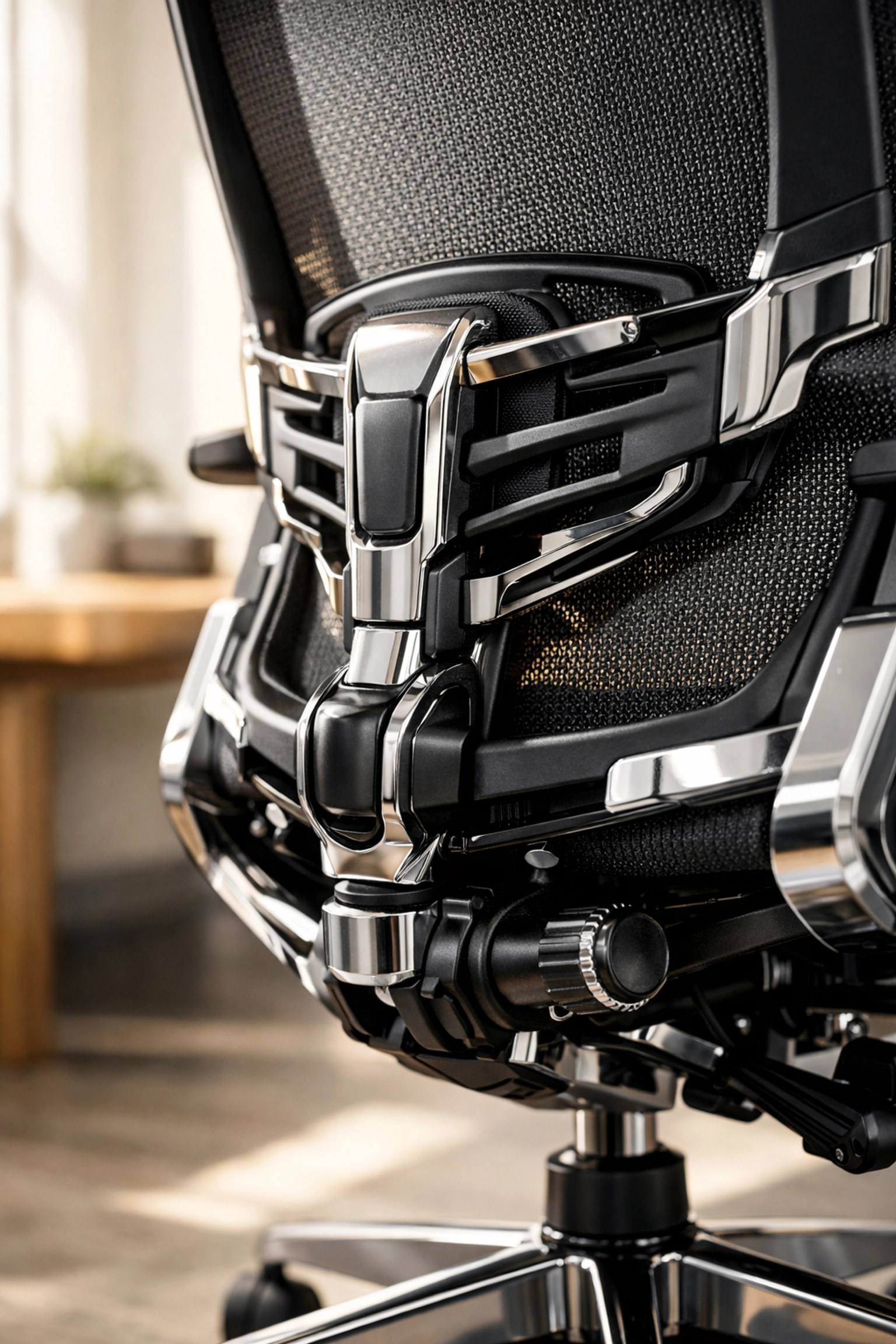
- Synchro-Tilt Mechanism: This allows the backrest and seat to tilt at different ratios (usually 2:1). This opens up the hips and keeps your feet on the floor as you recline, maintaining blood circulation.
- 4D Armrests: Most shoulder pain comes from fixed armrests. You need adjustment in four dimensions: height, width, depth, and pivot angle. This ensures your elbows are always at a 90-110 degree angle without your shoulders being "hiked" up.
- Adjustable Lumbar Depth: Everyone’s spinal curve (lordosis) is different. A high-quality chair allows you to adjust both the height and the firmness of the lumbar support.
- Seat Pan Depth: You should have a 2-3 finger gap between the edge of the seat and the back of your knees. Too deep, and it cuts off circulation; too shallow, and your thighs aren't supported.
3. Desk Engineering: The Math of Surface Height
Most standard desks are 29 to 30 inches high. For the average human, this is actually too high for typing, leading to "shoulder shrugging."
The 2026 Ergonomic Formula:
To calculate your ideal typing height while sitting:
- Sit in your properly adjusted chair.
- Bend your elbows at 90 degrees.
- The distance from the floor to the underside of your elbows is your ideal desk height.
For many, this is 25–27 inches. If your desk is fixed and too high, you must use a footrest and raise your chair, or install an under-desk keyboard tray.
Sit-Stand Dynamics: In 2026, we’ve moved past the "standing all day is better" myth. Static standing is just as hard on the body as static sitting (leading to varicose veins and lower back strain). The goal is Movement. Aim for a 3:1 ratio: 45 minutes of sitting followed by 15 minutes of standing. Smart desks now come with haptic feedback to remind you to switch based on your heart rate or posture sensors.
4. Visual Ergonomics and Monitor Calibration
Digital eye strain (Computer Vision Syndrome) affects 60% of remote workers. This is often caused by incorrect focal depth and poor refresh rates.
Distance and Height
- The Arm's Length Rule: Your screen should be 20 to 40 inches from your eyes. A quick check: reach out; your middle finger should just touch the screen.
- Eye Level Placement: The top third of the monitor should be at eye level. This forces a slight downward gaze (15-20 degrees), which is more natural for the eyes and keeps the neck in a neutral position.
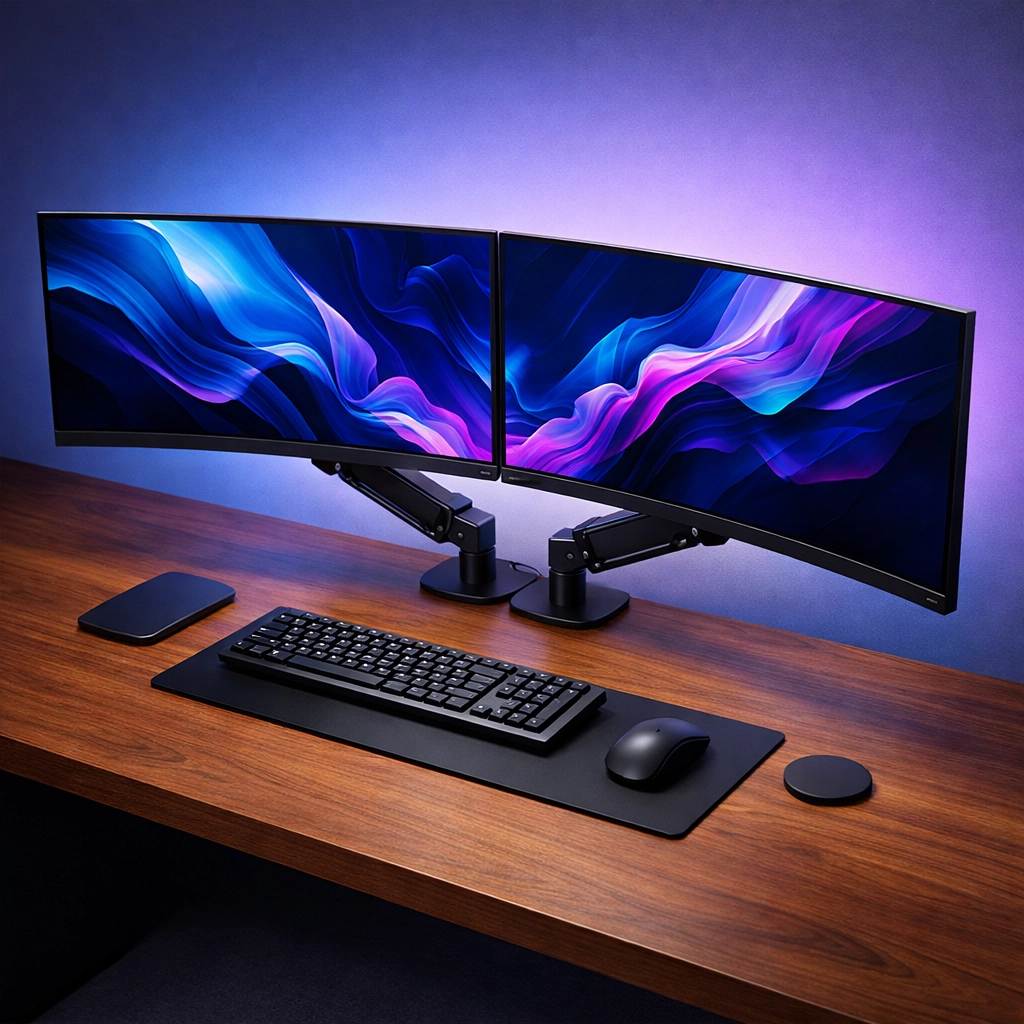
- Dual Monitor Setup: If using two screens, they should be angled in a slight "V." If you have a primary monitor, place it directly in front and the secondary to the side. Avoid "neck swiveling" at all costs.
Technical Display Settings
In 2026, ensure your monitor supports a minimum of 120Hz refresh rate. Lower refresh rates cause subtle flickering that the brain processes even if you don't "see" it, leading to headaches. Additionally, use the 60-30-10 lighting rule: 60% ambient light, 30% task lighting, and 10% accent lighting to reduce high-contrast glare that strains the pupils.
5. Input Devices: Beyond the Standard Keyboard
The standard "flat" keyboard is a disaster for human anatomy. It forces "ulnar deviation": the act of bending your wrists outward toward your pinky fingers.
The Professional’s Choice:
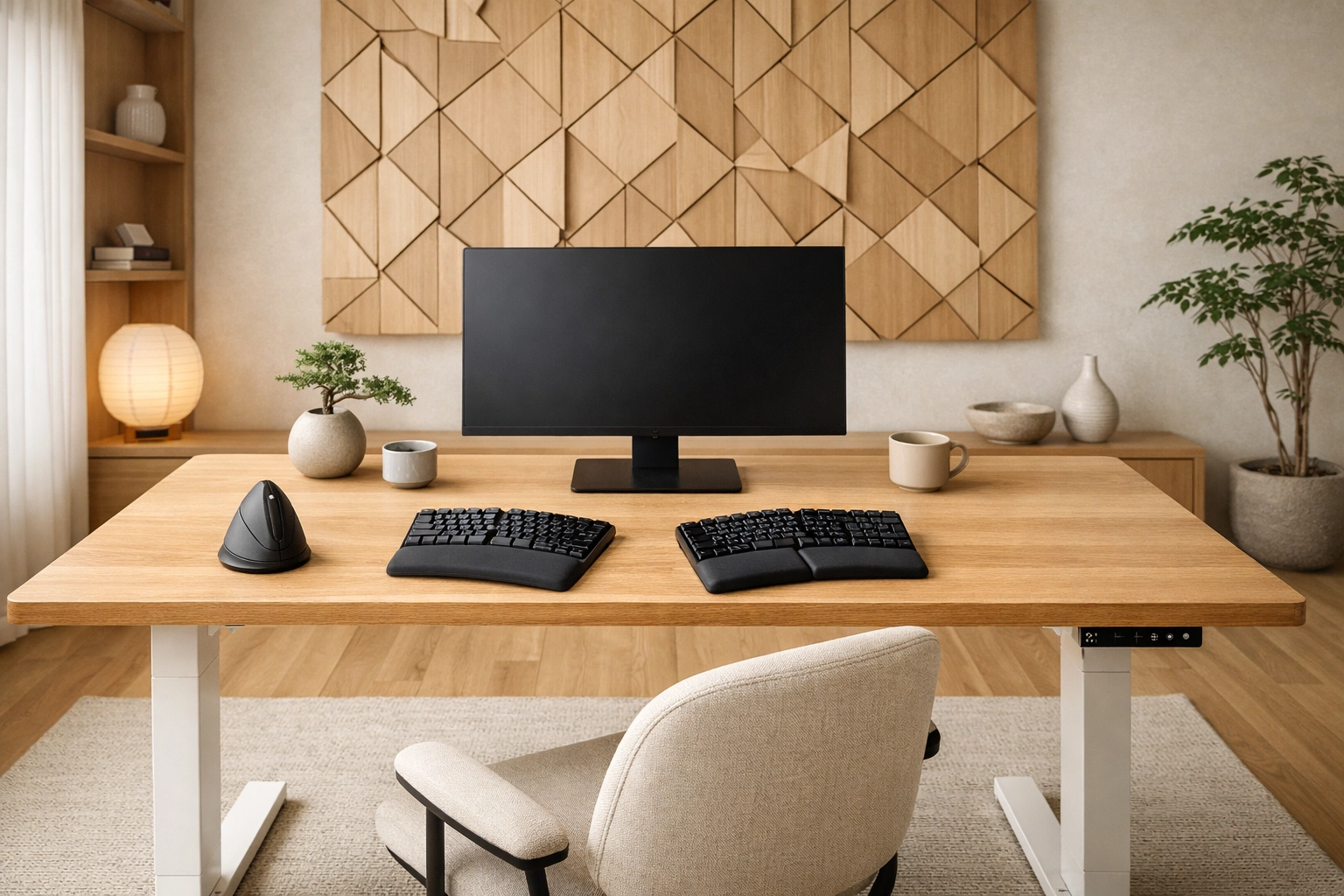
- Split Keyboards: These allow your arms to stay at shoulder width, keeping your wrists straight.
- Mechanical Switches: Specifically "Tactile" or "Linear" switches with a lower actuation force (around 45g). This prevents "bottoming out," which sends a shockwave through the finger joints.
- Vertical Mice: Traditional mice force your forearm bones (radius and ulna) to cross. A vertical mouse keeps your hand in a "handshake" position, which is the anatomical neutral.
6. Environmental Factors: CO2 and Cognitive Function
A truly productive office considers the air you breathe. Data from Harvard’s T.H. Chan School of Public Health shows that cognitive function scores drop significantly when CO2 levels reach 1,000 parts per million (ppm): a level easily reached in a small, unventilated home office.
The Environmental Checklist:
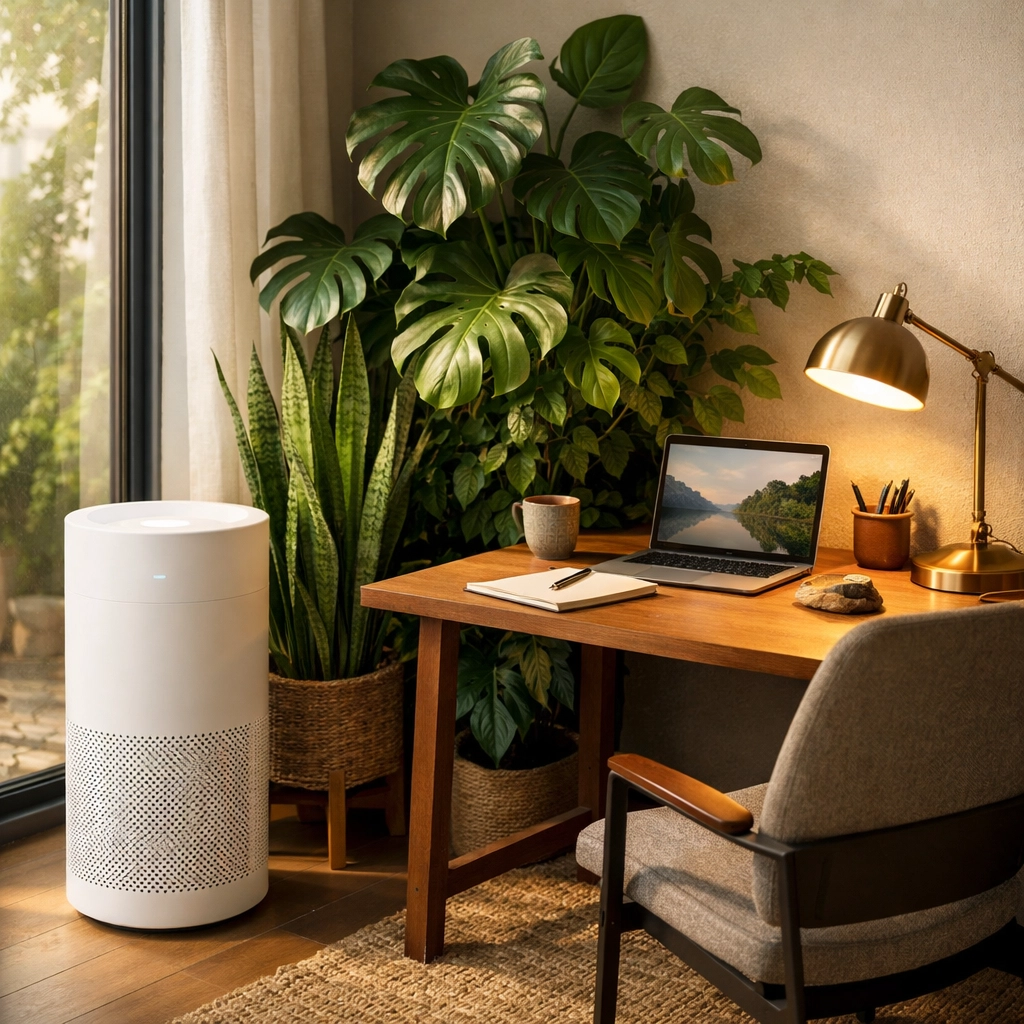
- Air Quality: Use a CO2 monitor. If levels exceed 800ppm, open a window or use an air purifier with a HEPA filter and carbon stage.
- Acoustics: High-frequency background noise (fans, street noise) increases cortisol. Use acoustic foam panels or heavy "blackout" curtains to dampen echo.
- Color Temperature: Set your lights to 5000K (Daylight) during the morning for focus and 2700K (Warm) after 4 PM to protect your circadian rhythm.
7. The Movement Protocol: Active Recovery
Even the most ergonomic setup in the world won't save you if you remain stationary for 10 hours. Productivity in 2026 is measured by "Output Per Hour of Health," not just "Hours Logged."
- The 20-20-20 Rule: Every 20 minutes, look at something 20 feet away for 20 seconds. This relaxes the ciliary muscles in the eyes.
- Micro-Breaks: Use "Pomodoro 2.0": 50 minutes of deep work followed by 10 minutes of active movement (stretching, walking, or air squats).
- Active Sitting: Consider an "active stool" or a balance board for your standing desk to engage your core muscles and prevent blood pooling in the legs.
The Ultimate Ergonomic Checklist for 2026
To ensure your home office is up to professional standards, use this checklist for a weekly "ergonomic audit":
| Category | Requirement | Verified |
|---|---|---|
| Chair | Feet flat on the floor, knees at 90°, lumbar support snug against the lower back. | [ ] |
| Desk | Elbows at 90-100°, shoulders relaxed (not shrugged), wrists straight. | [ ] |
| Monitor | Top of screen at eye level, 20-40 inches away, centered to your midline. | [ ] |
| Input | Mouse and keyboard located on the same plane; wrists not resting on hard edges. | [ ] |
| Lighting | No glare on the screen; ambient light matches screen brightness. | [ ] |
| Air | CO2 levels below 800ppm; room temperature between 20-22°C (68-72°F). | [ ] |
Summary: Designing for the Future
Building a productive home office is a continuous process of refinement. As we integrate more immersive technologies: like the Apple Vision Pro or Meta Quest 4: into our workflows, the physical "base" we operate from becomes even more vital. By prioritizing neutral posture, air quality, and intentional movement, you aren't just working faster; you're ensuring that you can continue working at a high level for decades to come.
Your workspace is a tool. Calibrate it with the same precision you would use for your software or your investment portfolio.
About the Author: Malibongwe Gcwabaza
Malibongwe Gcwabaza is the CEO of blog and youtube, a leading digital media firm specializing in the intersection of emerging technology and workplace efficiency. With a background in organizational psychology and over a decade of experience in the remote work sector, Malibongwe focuses on how AI and advanced ergonomics can enhance human potential. When not optimizing workflows, he is an advocate for sustainable tech and "bio-hacking" for long-term cognitive health.
About the Author


