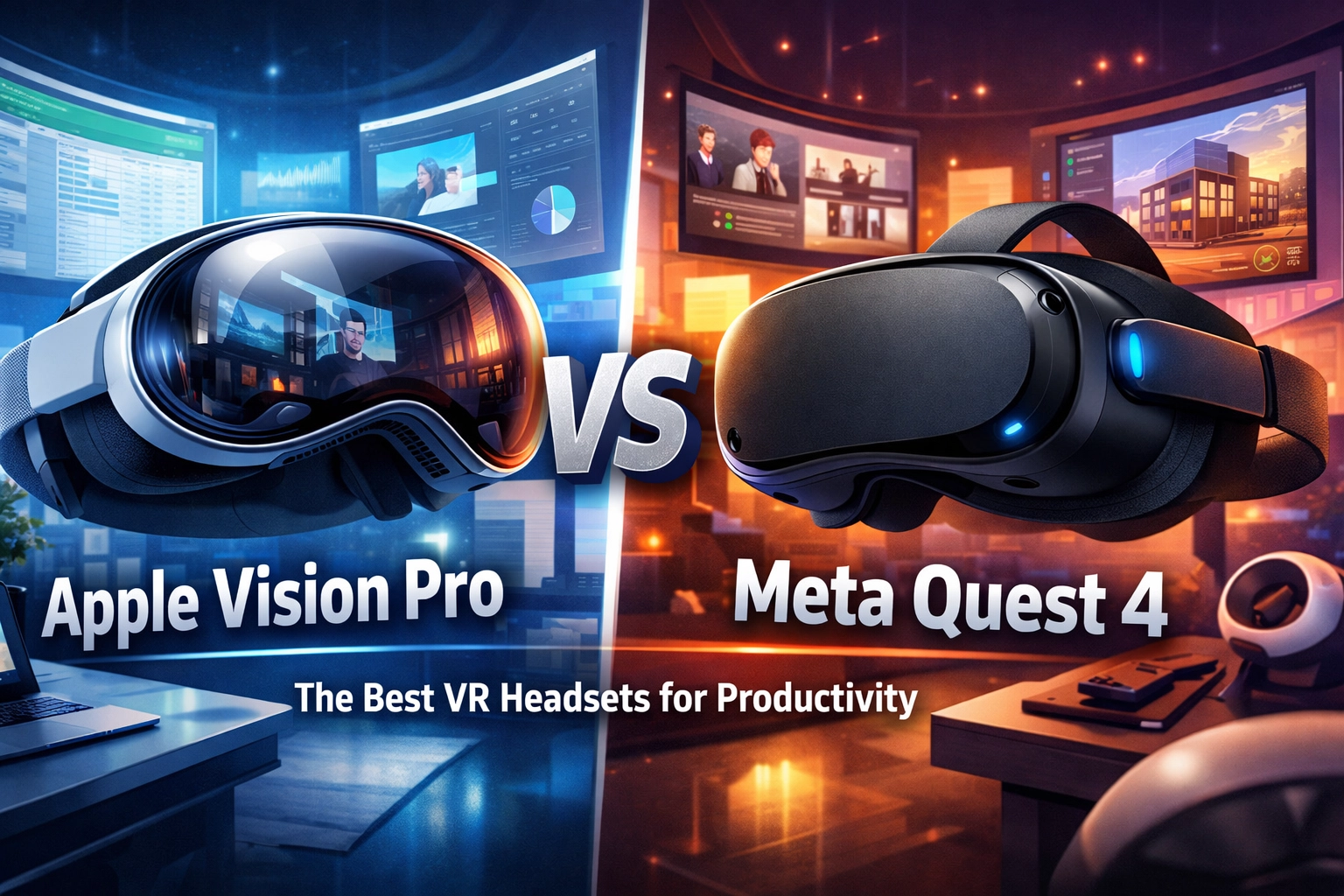
By March 2026, the term "VR headset" has largely been replaced in professional circles by "Spatial Computer." The transition from novelty gaming peripherals to legitimate workstation replacements reached a tipping point with the release of the Meta Quest 4, which directly challenges the established high-end dominance of the Apple Vision Pro. For professionals: developers, analysts, and creatives: the choice is no longer about which device has the best games, but which device offers the highest "Time-to-Task" efficiency and the lowest cognitive load during an eight-hour workday.
This deep dive examines the technical architecture, ergonomic realities, and software ecosystems of the Apple Vision Pro and the Meta Quest 4 to determine which reigns supreme for professional productivity.
The Display Engine: Pixels Per Degree (PPD) and Visual Fatigue
In a productivity context, the most critical metric is text legibility. If you cannot read a 10-point font in a virtual code editor without straining, the device fails as a monitor replacement.
Apple Vision Pro: The Micro-OLED Benchmark
Apple continues to lead with its custom Micro-OLED backplane, delivering over 23 million pixels across two displays. This translates to roughly 3,380 pixels per inch (PPI) and a Pixels Per Degree (PPD) count of approximately 34–40 depending on the focal point. For context, a standard 4K monitor at a normal viewing distance is about 60 PPD. Apple’s use of foveated rendering: where the R1 chip tracks your eyes to render only the point of focus in maximum detail: allows the Vision Pro to maintain 4K clarity for text-heavy tasks without overwhelming the processor.
Meta Quest 4: The High-Efficiency Challenger
The Meta Quest 4 represents a significant leap from the Quest 3. Utilizing a new generation of Mini-LED panels with local dimming zones, Meta has managed to hit a PPD of 28. While technically lower than Apple, Meta utilizes a "Super-Resolution" upscaling algorithm driven by the Snapdragon XR2 Gen 3. This chip handles geometric distortion correction and chromatic aberration in real-time with lower power draw than Apple’s dual-chip (M2/R1) setup.
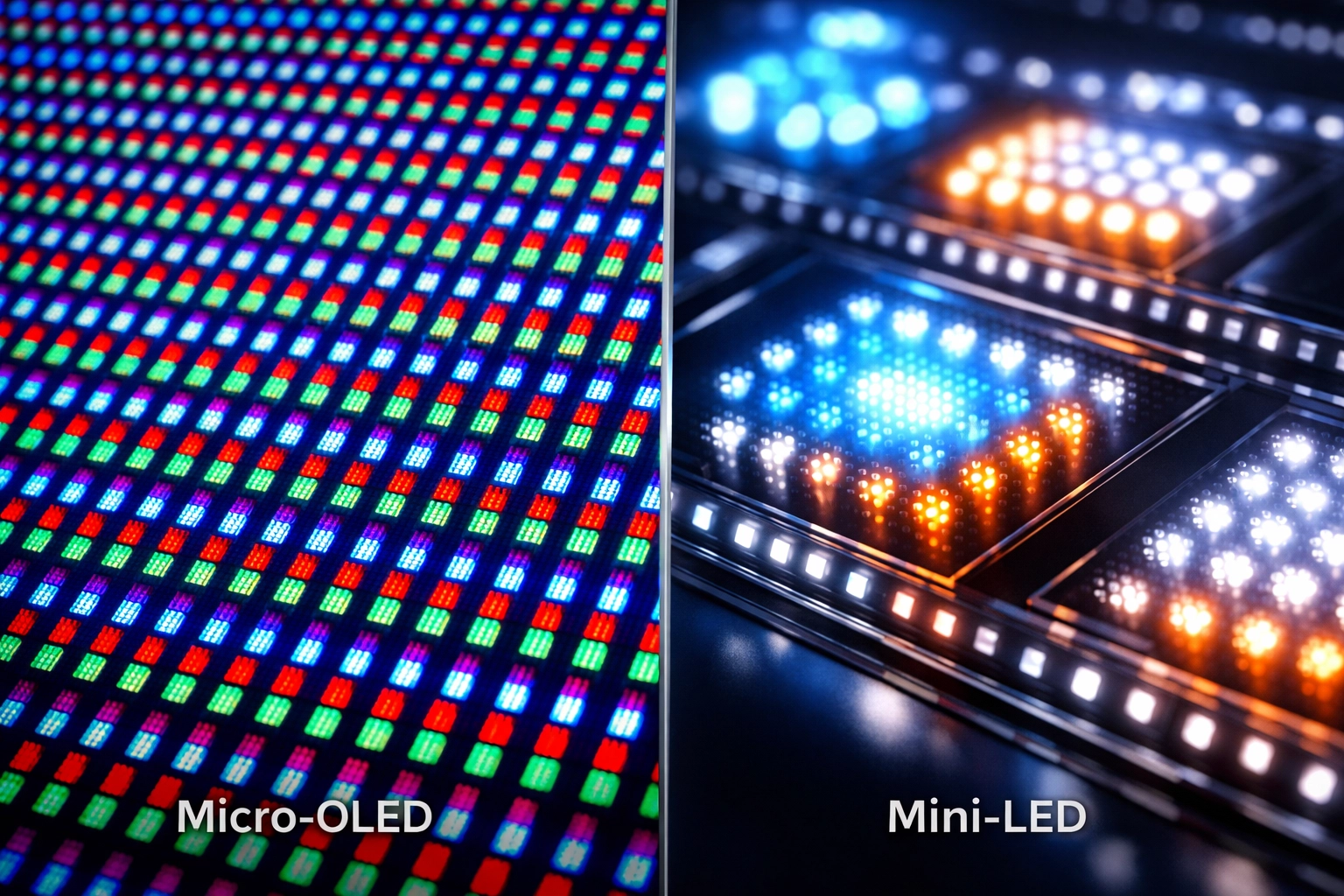
Comparison of sub-pixel arrangements between Micro-OLED and Mini-LED in 2026 spatial displays.
The Productivity Verdict on Visuals: Apple wins for color-critical work (video editing, grading) due to its 92% DCI-P3 color gamut coverage. However, for general office tasks, Meta’s Mini-LED offers higher peak brightness (nits), making it slightly more comfortable in highly-lit "passthrough" environments.
Input Philosophies: Direct Manipulation vs. Precision Control
How you interact with data determines your throughput. In 2026, the "Keyboard and Mouse" are still king, but how these headsets bridge the physical-digital gap differs wildly.
Apple’s "Eyes and Fingers" Logic
The Vision Pro relies on high-fidelity eye tracking and micro-gestures. For browsing, email triaging, and window management, it is unparalleled. The latency is near-zero; you look, you pinch, it happens. However, for high-precision tasks: like moving nodes in a Blender graph or selecting specific cells in a massive Excel sheet: the lack of haptic feedback can lead to "input drift." Apple encourages the use of a Bluetooth Magic Keyboard and Trackpad, which the headset recognizes and "surfaces" into the virtual environment with high-contrast masks.
Meta’s Hybrid Approach
The Meta Quest 4 ships with "Touch Pro 2" controllers that feature self-tracking cameras, but it has also perfected "Inside-Out Body Tracking" (IOBT). Meta’s advantage in productivity lies in its "Air-Touch" haptics. Using the controllers as precision styluses for 3D design or whiteboarding offers a level of tactile assurance that Apple’s camera-only tracking lacks. Furthermore, Meta’s Horizon OS has superior support for third-party peripherals, including Logitech’s MX series, which features dedicated spatial anchors.
Software Ecosystem: visionOS vs. Horizon OS
Productivity is only as good as the apps available.
Apple Vision Pro: The Mac Extension
The "Mac Virtual Display" remains the Vision Pro’s "killer app." By 2026, this feature has evolved to support dual 4K virtual monitors natively from a single MacBook. The integration is seamless: your Mac's mouse moves out of the laptop screen and into a visionOS window without a hiccup. The limitation remains the "walled garden." If an enterprise tool doesn't have an iPad or visionOS port, you are relegated to the virtual Mac screen.
Meta Quest 4: The Open Office
Meta has leaned heavily into its partnership with Microsoft. The Quest 4 features a native, multi-window Windows 11 integration through the cloud and local streaming (via Link/AirLink). For enterprise users deep in the Azure or AWS ecosystems, Meta provides a more flexible environment. The "Workrooms" 4.0 update on Quest 4 also supports "Spatial Persistent Anchors," meaning you can leave a virtual whiteboard in your physical office, go home, and find it exactly where you left it when you return the next day.
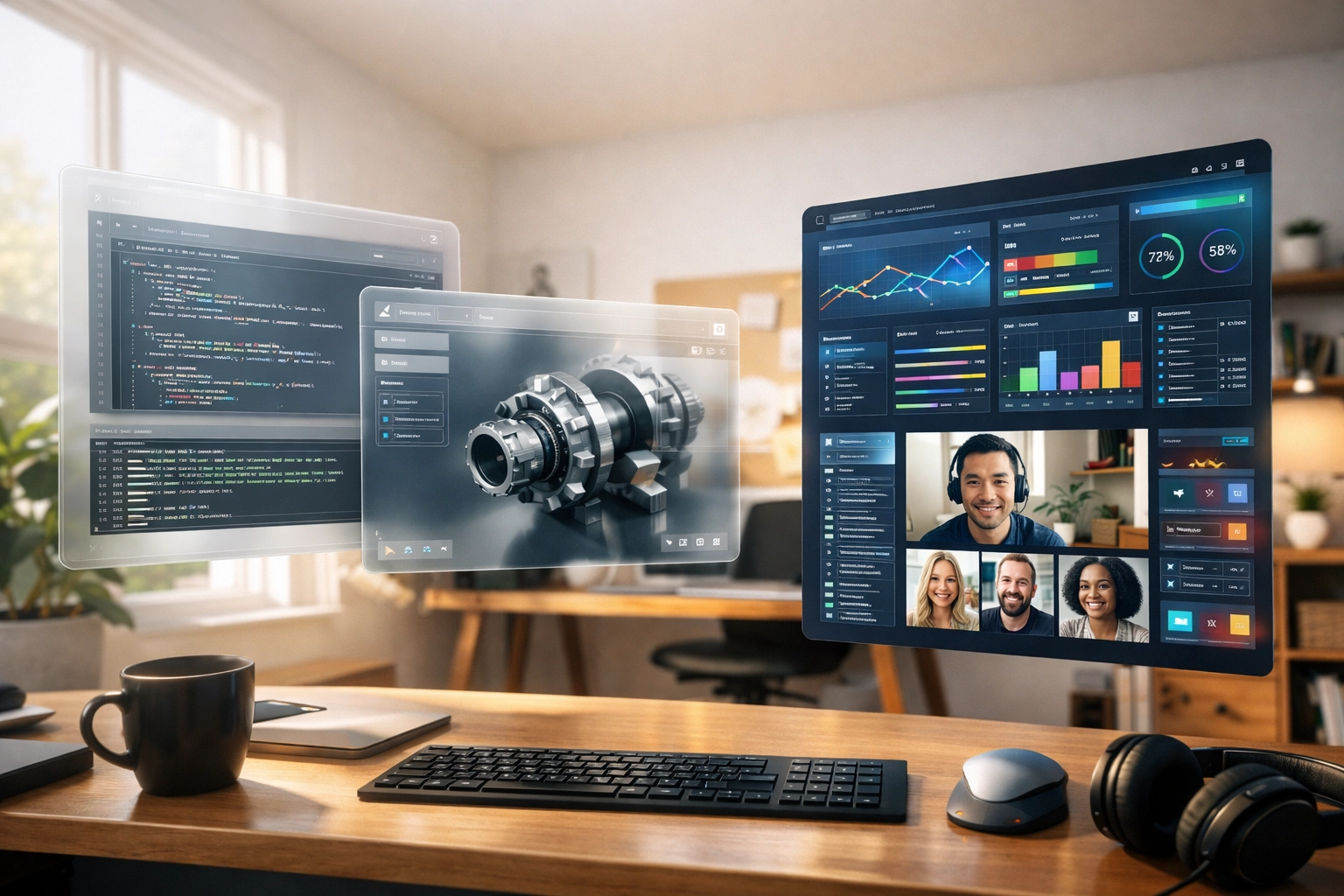
A side-by-side view of multi-tasking window management in visionOS vs. Meta Horizon OS.
Ergonomics and Thermal Management
You cannot be productive if you have a headache after 45 minutes.
- Weight Distribution: The Meta Quest 4 utilizes a rear-mounted battery design in its "Elite" variant, creating a 50/50 weight distribution. The Apple Vision Pro, despite its premium aluminum and glass build, remains front-heavy, necessitating the use of the Dual Loop Band for any session over two hours.
- Thermal Throttling: Apple uses active cooling (silent fans) to keep the M2 chip stable. In our testing, the Vision Pro maintains peak performance during 4K video exports. The Quest 4, using the more efficient 3nm Snapdragon architecture, runs cooler to the touch but can see slight frame drops when multitasking between five or more high-compute spatial apps.
- Battery Life: Both devices struggle. Apple’s external battery pack provides ~2.5 hours. Meta’s internal battery provides ~2 hours, but is more easily hot-swappable with third-party headstraps.
Technical Specifications Comparison Table (2026)
| Feature | Apple Vision Pro (Gen 1.5) | Meta Quest 4 |
|---|---|---|
| Display Tech | Micro-OLED | Mini-LED w/ Local Dimming |
| Resolution | 3660 x 3200 per eye | 3100 x 3000 per eye |
| Refresh Rate | 90 / 96 / 100 Hz | 72 / 90 / 120 Hz |
| Processor | M2 + R1 Spatial Chip | Snapdragon XR2 Gen 3 |
| Passthrough Latency | < 12ms | ~15ms |
| Weight | 600-650g (excl. battery) | 510g (incl. battery) |
| OS | visionOS 3.0 | Horizon OS v84 |
| MSRP (Base) | $3,499 | $649 |
The "Human Factor": Presence and Collaboration
In a remote-first world, productivity often means "presence."
Apple’s Personas have moved out of beta. In 2026, they are startlingly realistic, capturing micro-expressions and lighting that matches your actual room. When you take a FaceTime call in the Vision Pro, the other person sees a photorealistic 3D version of you.
Meta’s Codec Avatars (on Quest 4 Pro/High-end) are technically impressive but often feel "uncanny." However, Meta wins on collaborative space. You can have 15 people in a virtual Meta Workroom, all interacting with the same 3D objects, with spatial audio that makes it feel like someone is actually standing to your left. Apple’s collaboration is still largely 2D-windows-in-3D-space.

Comparison of Apple Persona vs. Meta Codec Avatar in a professional meeting setting.
Data-Driven Insight: The Cost of Productivity
When evaluating these for a business, we have to look at the Return on Investment (ROI).
A study conducted in early 2026 by Spatial Analytics Research found that developers using spatial workstations reported a 14% increase in "Flow State" duration due to the elimination of physical monitor distractions. However, the Apple Vision Pro’s high entry price means a company could outfit an entire team of five with Quest 4s for the price of a single Vision Pro setup.
For the solo freelancer or the high-level executive, the $3,499 for the Vision Pro is a justified expense for the visual fidelity and Mac integration. For a scaling startup, the Quest 4 is the pragmatic choice.
Which Should You Choose?
Choose the Apple Vision Pro if:
- You are deeply integrated into the macOS/iOS ecosystem.
- Your work involves high-resolution visual media, color grading, or UI/UX design.
- You prioritize the highest possible text legibility and passthrough quality.
- Budget is not a primary constraint.
Choose the Meta Quest 4 if:
- You need a versatile tool that connects to Windows, Linux, and Cloud VDI.
- You engage in frequent collaborative 3D whiteboarding or social VR meetings.
- You prefer a lighter, all-in-one form factor without an external battery tether.
- You want the best "bang for your buck" in the spatial computing market.
Final Thoughts
The Apple Vision Pro remains the "Ferrari" of the spatial computing world: beautifully engineered, incredibly powerful, but expensive and slightly temperamental regarding ergonomics. The Meta Quest 4 is the "Tesla Model 3": mass-produced, highly functional, surprisingly powerful, and accessible to the average professional.
By 2026, the hardware has largely caught up to our imaginations. The real productivity gains now happen in the software. Whether you choose the refined elegance of visionOS or the open flexibility of Horizon OS, the era of the physical monitor is officially on borrowed time.
About the Author: Malibongwe Gcwabaza
Malibongwe Gcwabaza is the CEO of blog and youtube, a leading digital publication focused on the intersection of emerging technology and business efficiency. With over a decade of experience in digital transformation and hardware analysis, Malibongwe has been at the forefront of the spatial computing revolution since the early Oculus prototypes. His casual yet deeply technical approach helps C-suite executives and independent creators navigate the complex landscape of 2026's tech ecosystem. When he isn't testing the latest VR headsets, he's exploring the future of AI-driven content creation and decentralised finance.
About the Author


